How to format a date in JavaScript
SolvedJavaScriptCodeman · ep. 057.1M views on Stack Overflow ↗updated Nov 23, 2026datetolocaledatestringtoisostringdatestyledate-formatting
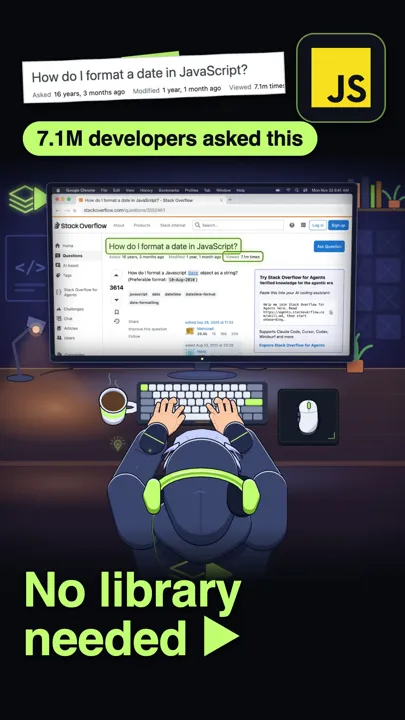
VideoThe direct link to this video is added here when it is public.
The problem
You have a Date and need it as readable text, such as 11/23/2026, 23/11/2026 or November 23, 2026, without adding a date library.
Asked on Stack Overflow: How do I format a date in JavaScript? (7,066,204 views as of Nov 23, 2026)
Solution
solution.jsCopied
const d = new Date(2026, 10, 23)
d.toDateString()  // Mon Nov 23 2026
d.toLocaleDateString('en-US')
d.toLocaleDateString('en-GB')
const opts = { dateStyle: 'long' }
d.toLocaleDateString('en-US', opts)
// toISOString is UTC: may be -1 day
d.toLocaleDateString('en-CA')
Locale formats stay local, ISO is UTC.
Step by step
- Create the date.
new Date(2026, 10, 23): months start at zero, so 10 is November.d.toDateString()gives a quick, readable date:Mon Nov 23 2026. - Use a locale.
d.toLocaleDateString('en-US')gives11/23/2026;'en-GB'gives23/11/2026. The US puts the month first, Britain the day. - Spell it out. Pass the options
{ dateStyle: 'long' }to the same method:November 23, 2026. - Careful with ISO.
toISOString()is in UTC, so local midnight can show the day before (2026-11-22). For a local YYYY-MM-DD, use the'en-CA'locale:2026-11-23.
What it looks like in a real run
% node
Welcome to Node.js v22.11.0.
Type ".help" for more information.
// months start at 0: 10 is November
> const d = new Date(2026, 10, 23)
undefined
> d.toDateString()
'Mon Nov 23 2026'
// local formats
> d.toLocaleDateString('en-US')
'11/23/2026'
> d.toLocaleDateString('en-GB')
'23/11/2026'
// spell it out
> const opts = { dateStyle: 'long' }
undefined
> d.toLocaleDateString('en-US', opts)
'November 23, 2026'
// careful: toISOString is UTC
> d.toISOString().slice(0, 10)
'2026-11-22'
// local year-month-day
> d.toLocaleDateString('en-CA')
'2026-11-23'
Heads-up
toISOString() always uses UTC, so in time zones ahead of UTC a local midnight date shows the previous day. For a local YYYY-MM-DD, use toLocaleDateString('en-CA').